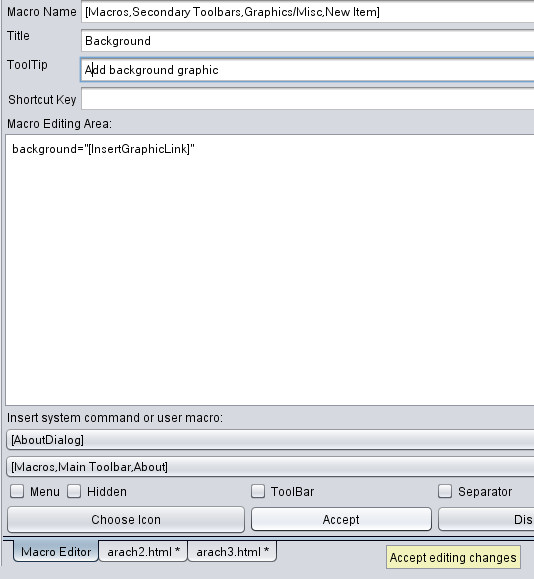
Adding a background graphic One of the things Arachnophilia's creator forgot was a macro to add a background graphic but since he made it so easy to add your own I will now show you how.
Open the the 'Graphics/Misc' folder in the macros and then right click on the folder itself and choose 'New' from the menu. Press 'Accept' and you will see a new macro called Background. Have a look in the Systems Commands at everything that is available. Macros - Tools - List System Commands To give your page a background position your cursor at the end of the body file just before the > Click the 'Background' macro and browse to the graphic (mybackground.jpg) Your body tag should now look like this. <body bgcolor="#ffffff" text="#000000" link="#0000ff" vlink="#800080" alink="#ff0000" background="mybackground.jpg" > You will notice that no sizes are given when entering a background graphic. It doesn't matter what size the graphic is it will repeat across and down filling the page. Preview the page 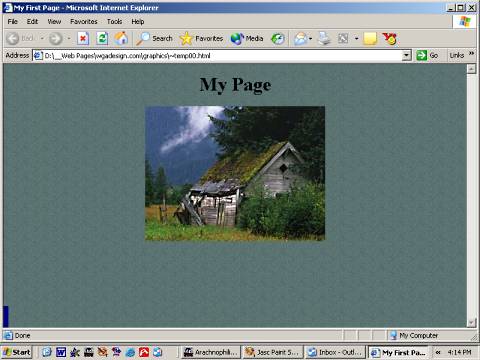
Back Next |